Tables & Orders
Manage tables, take orders, add products and extras — all from your phone or tablet.
Simple restaurant management
Manage tables, orders, custom stations and payments from the devices you already have.
Made for real service
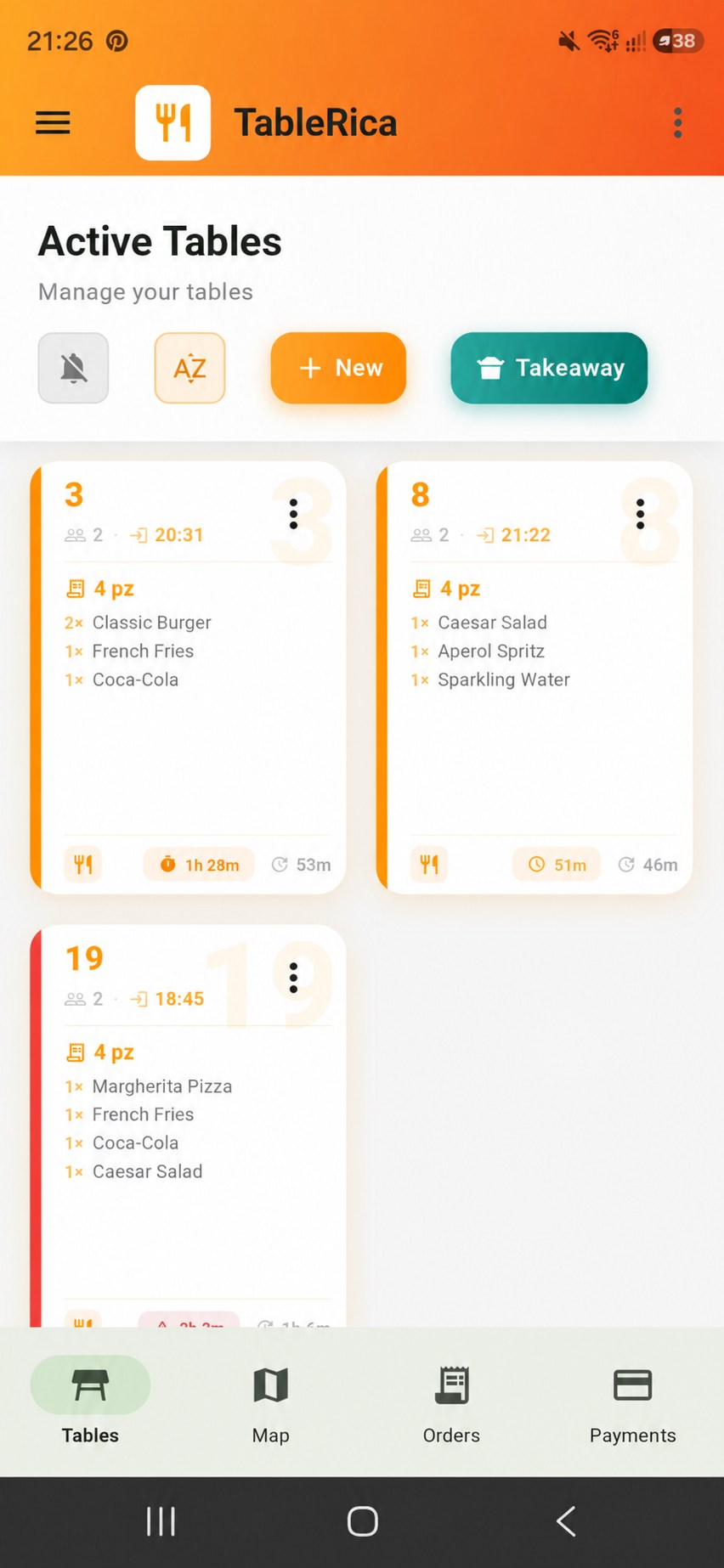
From the first order to the final payment, keep your entire team connected and in control.
Manage tables, take orders, add products and extras — all from your phone or tablet.
Keep your team connected with live updates across multiple devices.
Send orders to custom stations, kitchen displays or compatible ESC/POS printers.
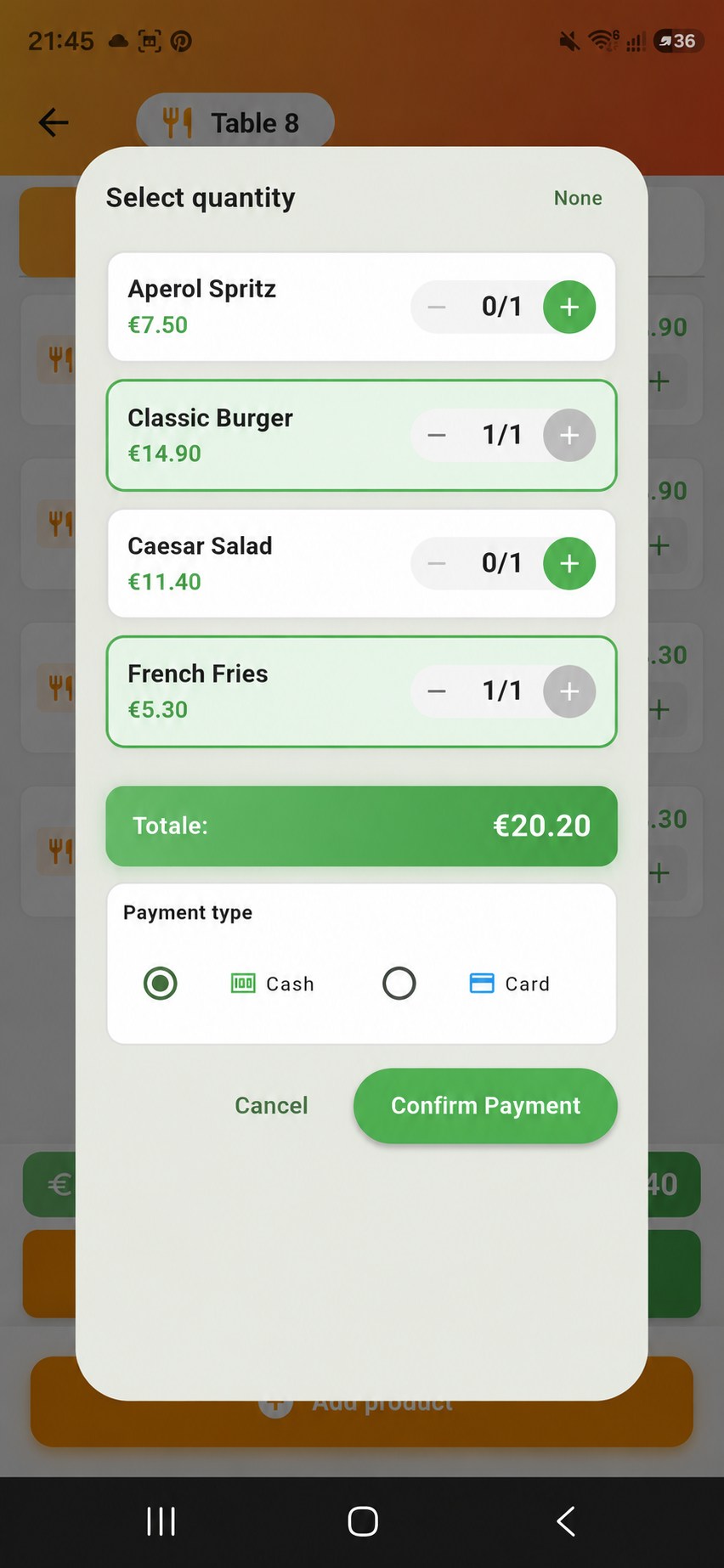
Split bills by item, record cash or card payments and track daily revenue.
A simple flow
Take orders, send them to your stations and manage payments — all connected across your team's devices.
01 · Take the order
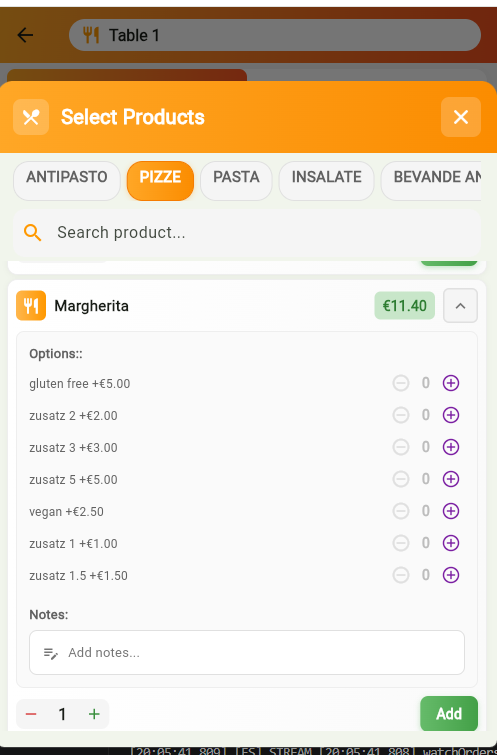
Select products, adjust quantities and add extras directly from your phone or tablet.
02 · Send it
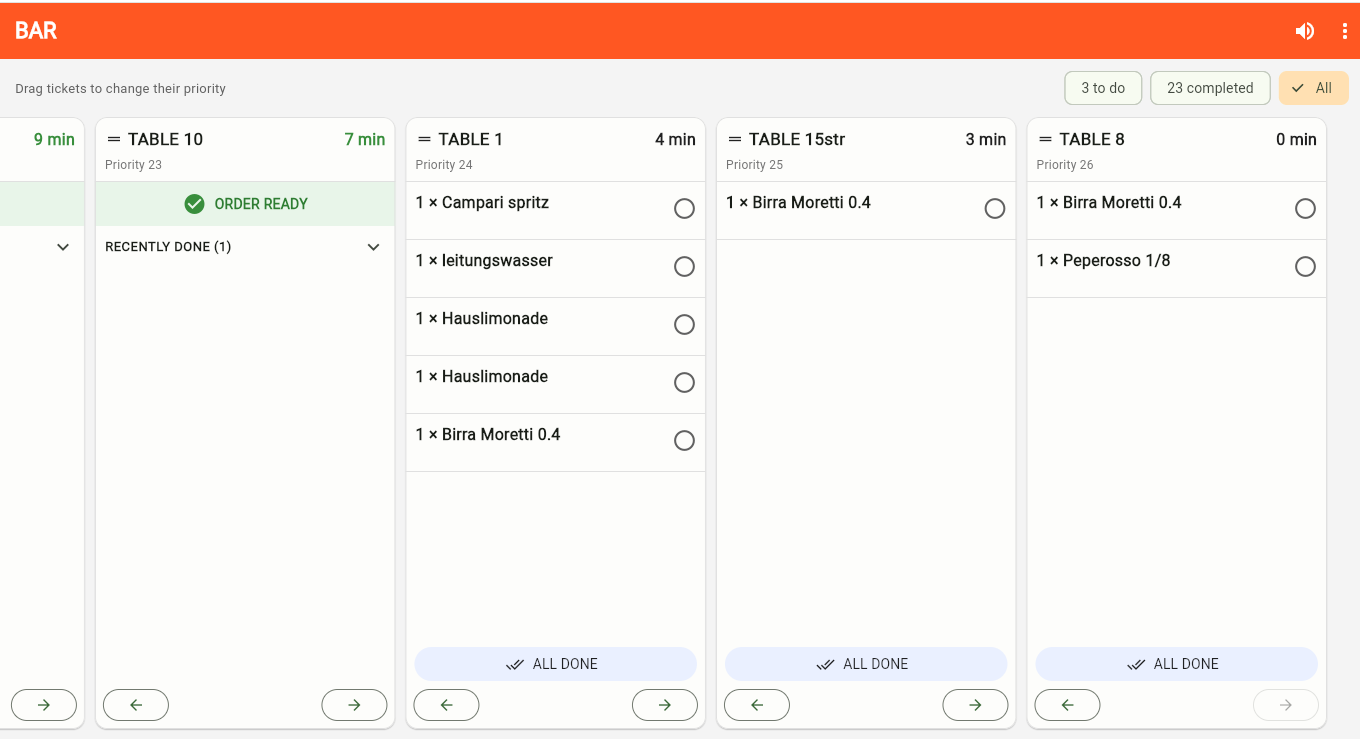
Send orders to your custom stations using a digital kitchen display, compatible ESC/POS printers, or both.
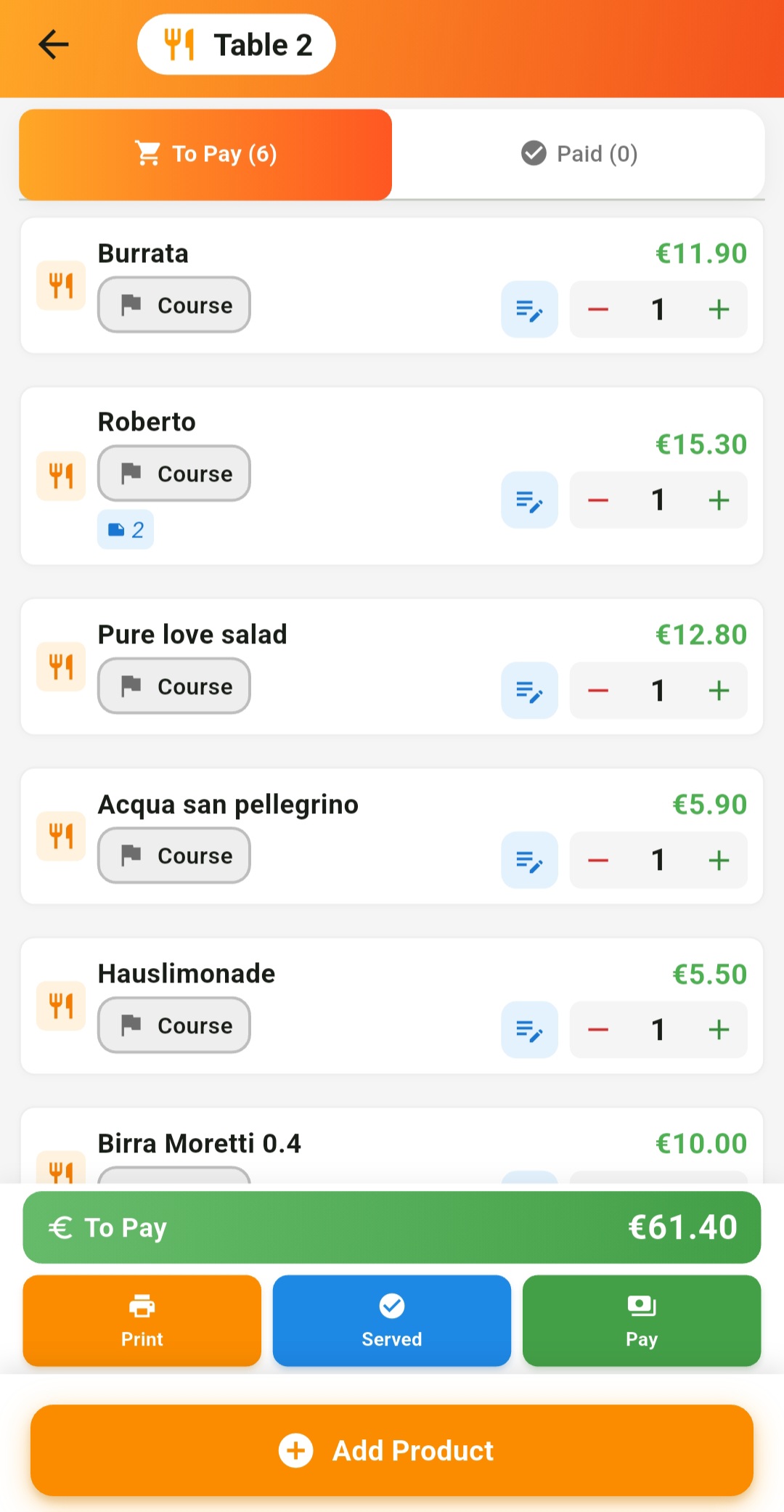
03 · Serve
Manage active orders and mark items as served.
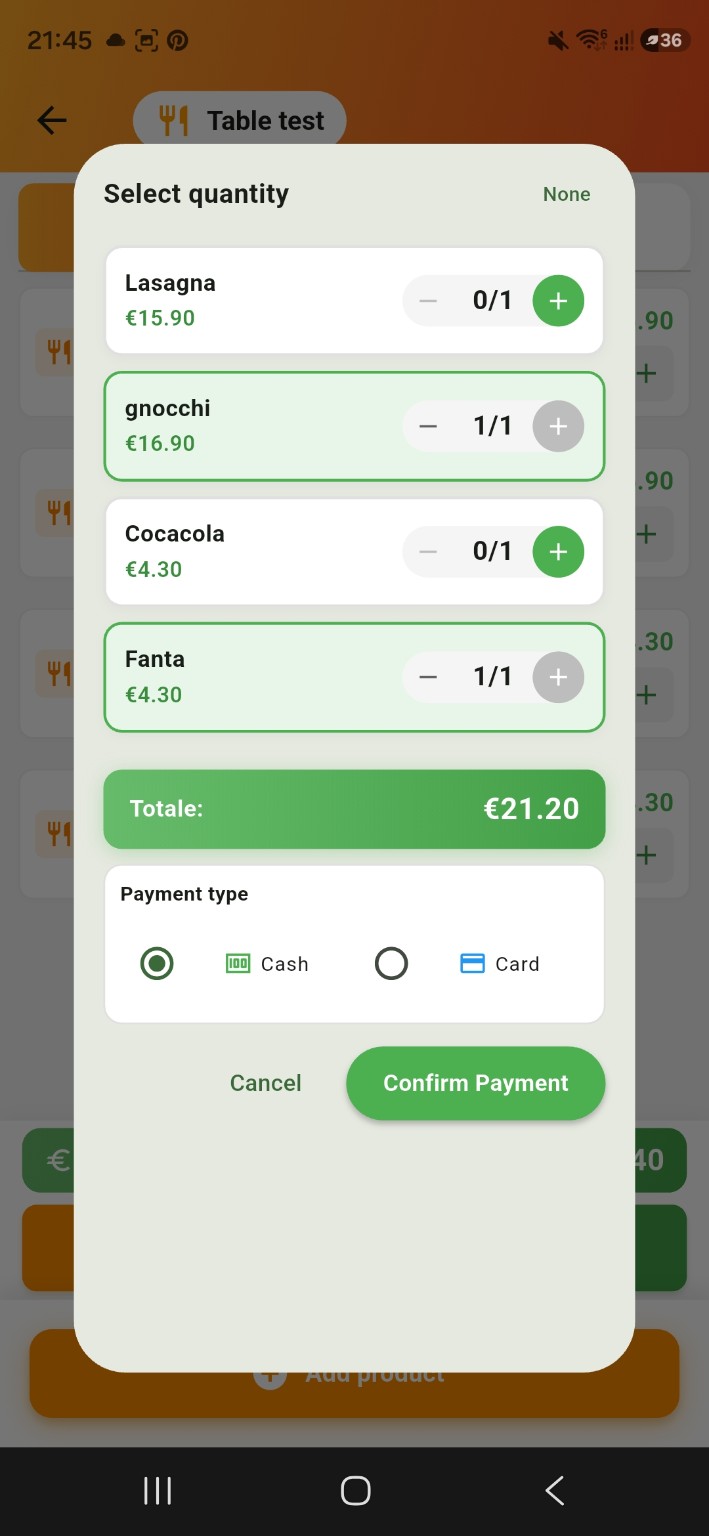
04 · Get paid
Select the items each guest wants to pay for and record Cash or Card payments.
Table & order management
More than a table overview. Track orders, check station progress and keep service moving.
Custom stations
Create your own stations and send every order exactly where it needs to go — to a digital display, a compatible ESC/POS printer, or both.
Choose how each station receives orders
Split bills without the maths
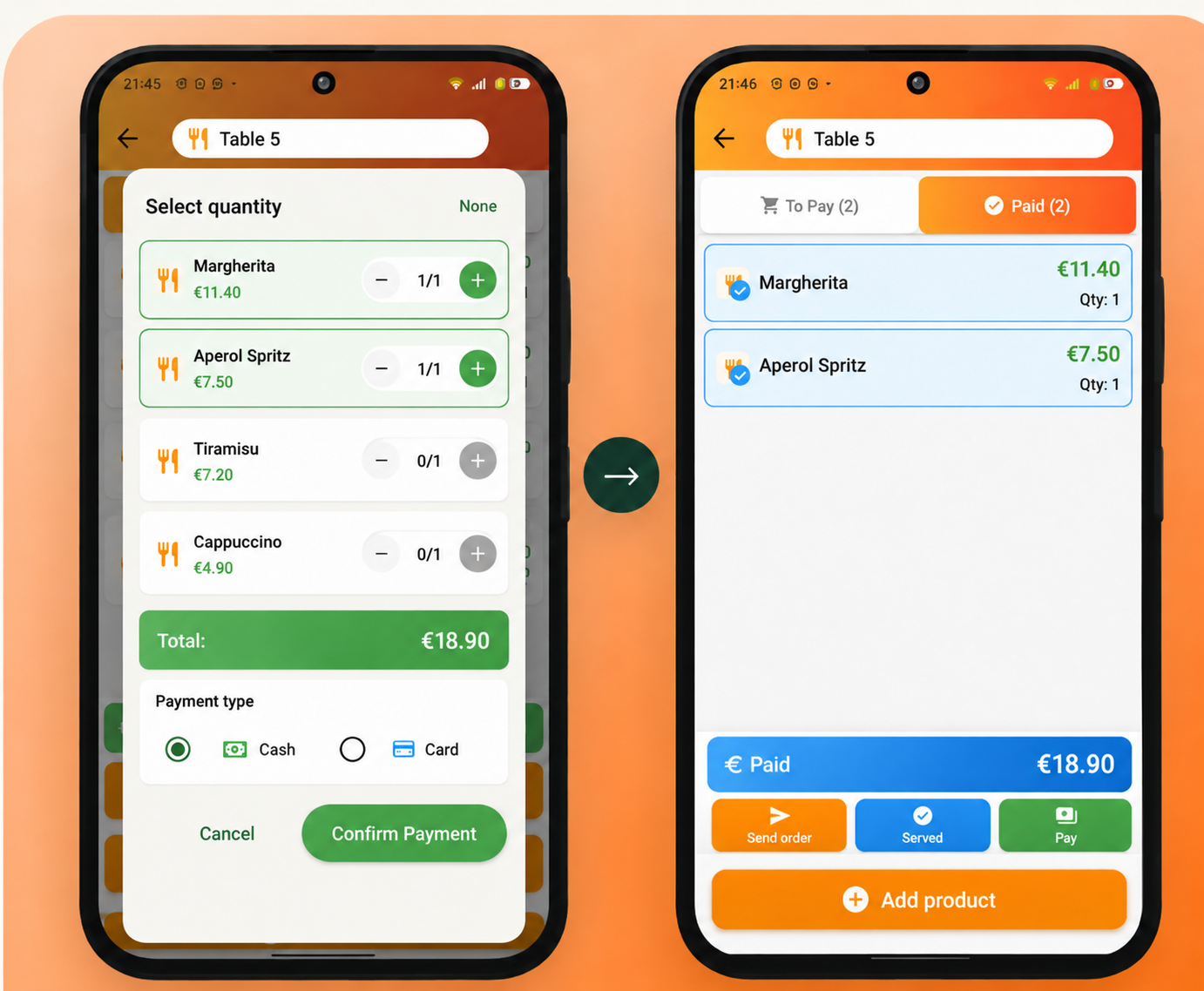
No manual calculations. No confusion.
Start with what you have
Start using TableRica with devices you already own.
No expensive POS hardware required.
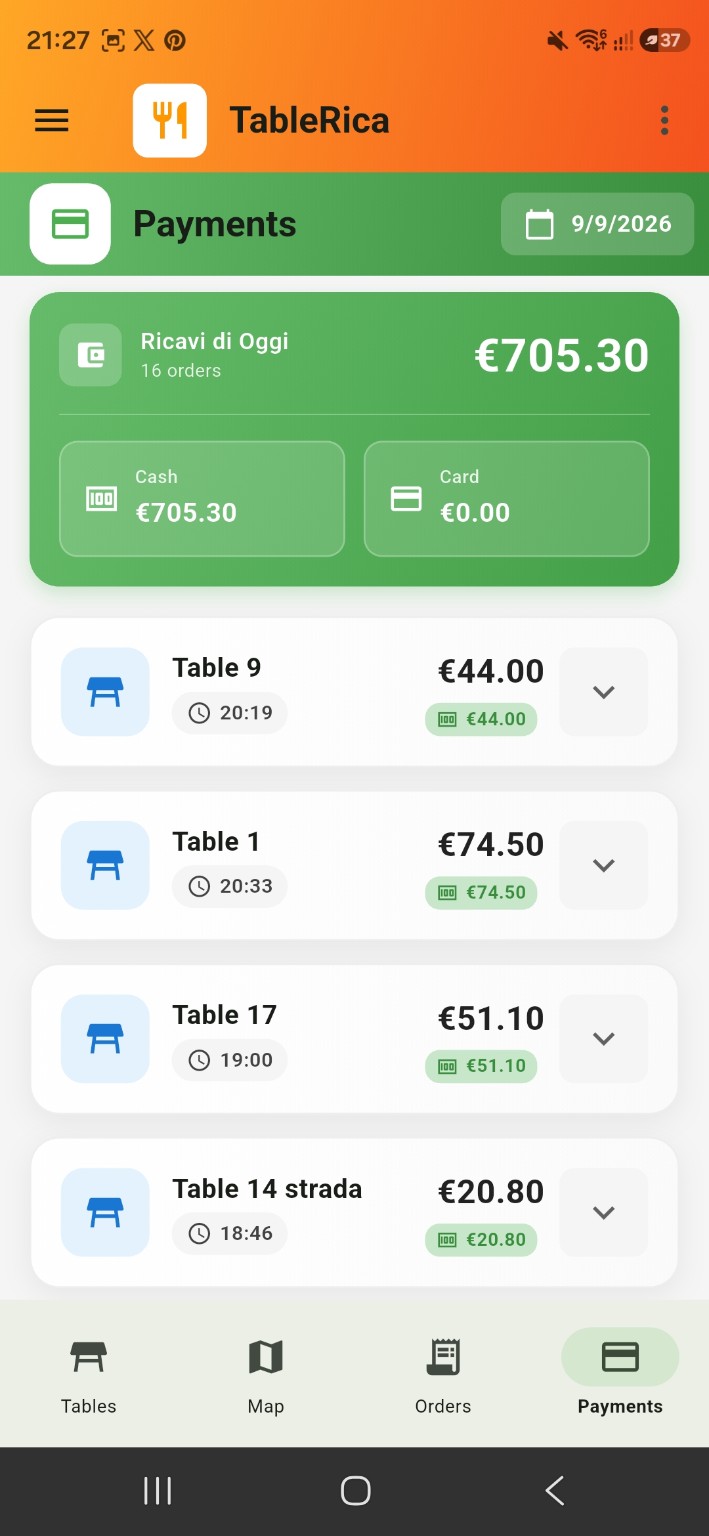
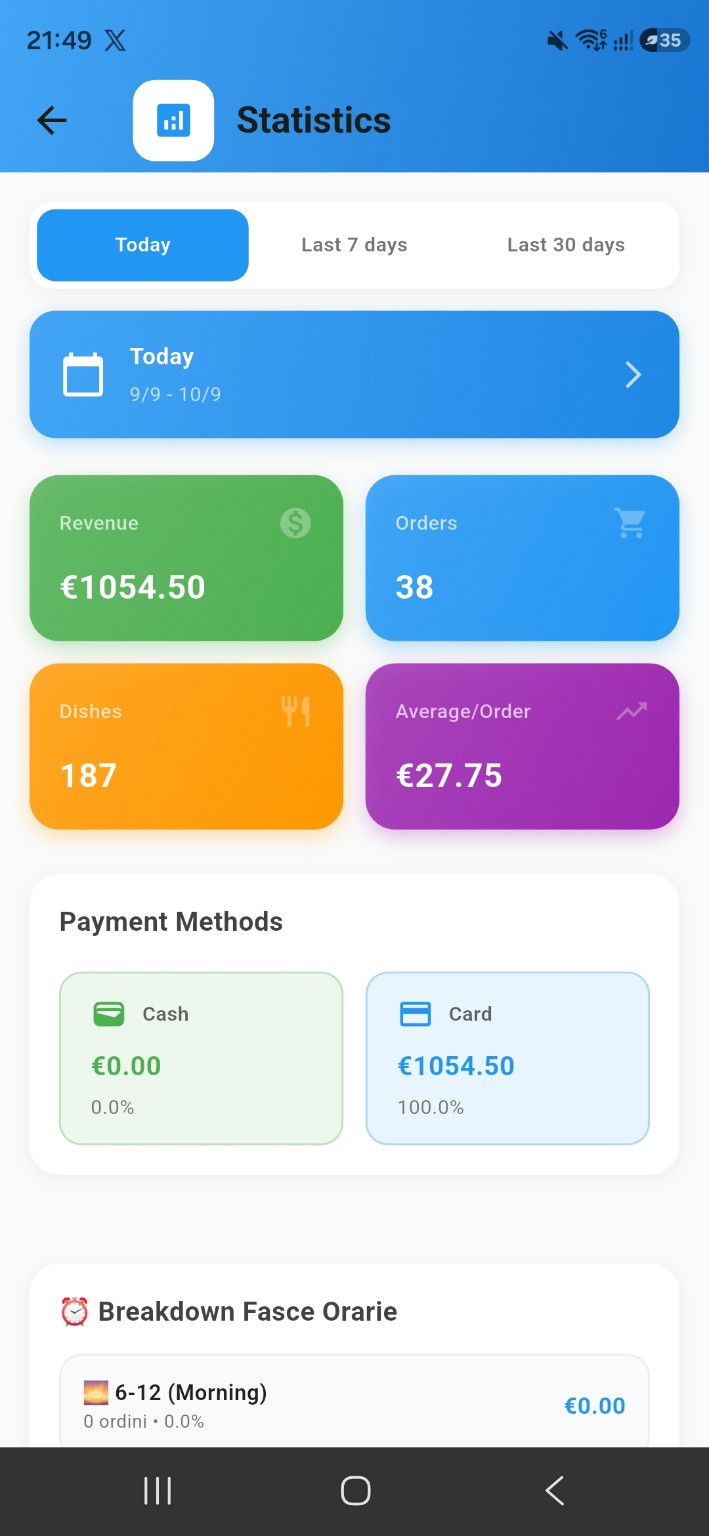
Daily overview
Track your revenue, monitor orders and explore your restaurant's statistics — all in one place.
Start without the pressure
No subscription required to start.Your free order allowance renews every month.
Get TableRica on Google Play ↗Questions, answered
No. You can get started with compatible smartphones and tablets you already own. A compatible ESC/POS printer is optional.
Yes. Select the individual items being paid, choose Cash or Card, and leave the remaining items unpaid on the table.
Yes. Create custom stations that match your restaurant’s workflow and route orders where they need to go.
Yes. The free plan includes 100 orders every month.
TableRica works with compatible ESC/POS printers. Compatibility depends on the printer model and network configuration and should be verified.
An internet connection is recommended for syncing orders and data between devices. Network printing also requires a working connection to the compatible printer.
Yes. TableRica supports connected workflows across multiple devices, helping your team manage orders and stations.
Yes. You can send orders to a kitchen display, a compatible ESC/POS printer, or both.
Ready for the next service?
Your restaurant. Your devices. Your workflow.
100 orders free every month.
Get TableRica on Google Play ↗